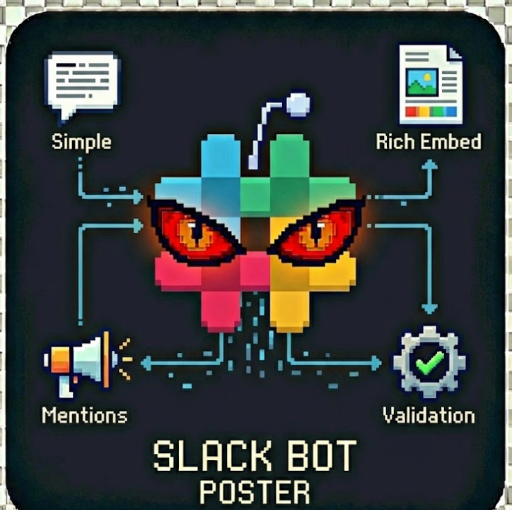
Slack Bot Poster
"Automated Slack Messaging & Alerts" by John Rippy | johnrippy.link🏆 2025 Zapier Automation Hero of the Year — Project Phoenix: A 95-step AI sales pipeline cutting development time by 50%. Read more →
---
Send automated messages to Slack workspaces using your bot token. Perfect for notifications, alerts, scheduled updates, and team automation.
Features
- Simple Messages: Send plain text messages with Slack markdown support
- Rich Blocks: Create beautiful layouts with Slack Block Kit
- Attachments: Use legacy attachments for colored sidebars
- Multi-Channel: Post to multiple channels in a single run
- Thread Replies: Reply to existing message threads
- Custom Branding: Override bot name and icon per message
- Validation Mode: Test channel access before posting
Setup
1. Create a Slack App
1. Go to Slack API Apps
2. Click "Create New App" > "From scratch"
3. Name your app and select your workspace
4. Go to "OAuth & Permissions"
5. Add Bot Token Scopes: chat:write, chat:write.public
6. Click "Install to Workspace"
7. Copy the Bot User OAuth Token (starts with xoxb-)
2. Get Channel ID
1. Right-click the channel in Slack
2. Click "Copy Link"
3. The channel ID is the last part of the URL (e.g., C1234567890)
Usage Examples
Simple Message
{
"botToken": "xoxb-your-token",
"channelId": "C1234567890",
"message": "Hello from Apify! :wave:"
}
Rich Block Kit Message
{
"botToken": "xoxb-your-token",
"channelId": "C1234567890",
"blocks": "[{\"type\":\"section\",\"text\":{\"type\":\"mrkdwn\",\"text\":\"New Lead Alert :bell:\\nJohn Smith just signed up!\"}},{\"type\":\"divider\"},{\"type\":\"section\",\"fields\":[{\"type\":\"mrkdwn\",\"text\":\"Email:\\njohn@example.com\"},{\"type\":\"mrkdwn\",\"text\":\"Source:\\nGoogle Ads\"}]}]"
}
Multi-Channel Broadcast
{
"botToken": "xoxb-your-token",
"channelIds": ["C1234567890", "C0987654321", "C5555555555"],
"message": ":mega: Important announcement for all teams!"
}
Thread Reply
{
"botToken": "xoxb-your-token",
"channelId": "C1234567890",
"threadTs": "1234567890.123456",
"message": "Adding more details to this thread...",
"replyBroadcast": true
}
Custom Bot Appearance
{
"botToken": "xoxb-your-token",
"channelId": "C1234567890",
"message": "Daily sales report ready!",
"username": "Sales Bot",
"iconEmoji": ":chart_with_upwards_trend:"
}
Output
Each successful post returns:
{
"channelId": "C1234567890",
"channelName": "general",
"messageTs": "1234567890.123456",
"content": "Hello from Apify!",
"status": "sent",
"sentAt": "2024-01-15T10:30:00.000Z",
"permalink": "https://workspace.slack.com/archives/C1234567890/p1234567890123456"
}
Pricing
- Message Sent: $0.005 per message
- Channel Validated: $0.002 per validation
Block Kit Resources
- Block Kit Builder - Visual builder
- Block Kit Reference - Documentation
- Message Formatting - Markdown guide
Tips
- Use Block Kit Builder to design messages visually, then copy the JSON
- Test with
validateOnly: truebefore sending to production channels - For DMs, use user IDs (starting with
U) as channel IDs - Schedule runs with Apify's scheduler for recurring messages
- Combine with webhooks for event-driven notifications
Support
For issues or feature requests, visit johnrippy.link
🏆 2025 Zapier Automation Hero of the Year — Project Phoenix: A 95-step AI sales pipeline cutting development time by 50%. Read more →
---
Built by John Rippy | johnrippy.link🏆 2025 Zapier Automation Hero of the Year — Project Phoenix: A 95-step AI sales pipeline cutting development time by 50%. Read more →